TL;DR
- Best for lean acquisition teams: AutoAcquire pairs AVA seller outreach with iOffer cash offers and Remote Inspection condition reports. An owner or used-car manager still approves buying decisions and completes the purchase.
- Best for recognizable offers: Kelley Blue Book Instant Cash Offer lets staff target upcoming appointments and invite customers to request an offer. The advisor or manager must own the conversation and purchase handoff.
- Best for appraisal-led stores: AccuTrade gives advisors a guided appraisal process and managers market data. Its service-appointment text invites interest; the store still needs someone to approve and present a purchase offer.
- Best if already using Buy Center Pro: VINCUE Service-to-Sales identifies appointment and equity opportunities and supports replacement-offer outreach. Confirm how a replacement offer becomes a cash purchase offer. For a broader feature comparison, see the service-drive software ranking.
Why staffing structure decides the right tool here
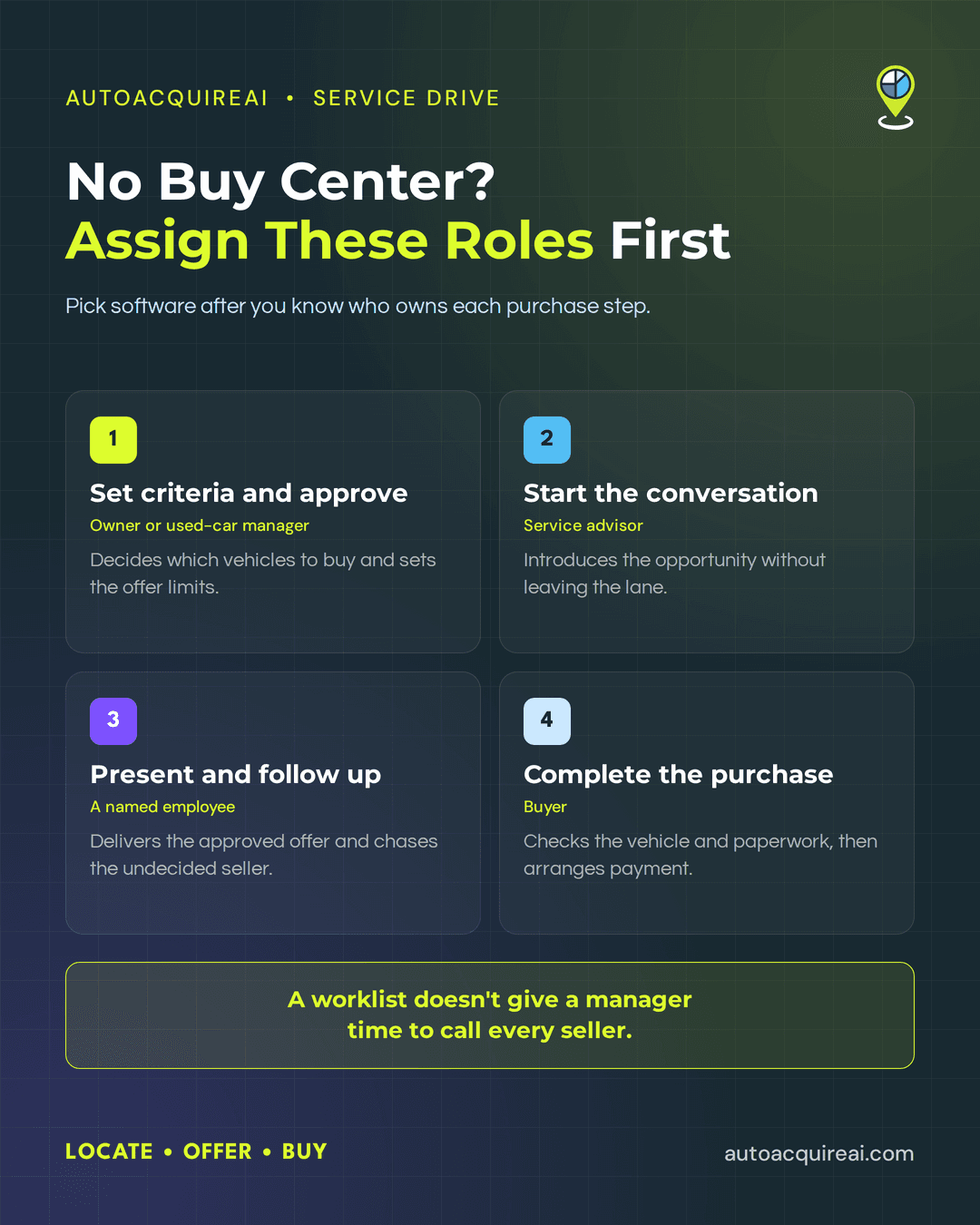
A service-drive tool must leave each purchase step with someone who has time and authority to perform it. At an independent dealership without a buy center, the owner or used-car manager usually sets the criteria for vehicles worth buying. A service advisor may spot a candidate during an appointment, but the advisor still has repair orders and customers to handle.
The store must assign someone, often the used-car manager, to appraise the vehicle and decide what it can pay. The owner may need to approve that number before anyone presents an offer. An advisor can introduce the purchase conversation, but the store needs to decide who delivers the approved offer and follows up if the customer leaves without accepting it.
A seller who agrees still needs a handoff to the employee authorized to complete the purchase. That person must check the vehicle and paperwork, resolve any outstanding financing, and arrange payment. Software can help staff identify candidates, prepare valuations, and conduct outreach, but a worklist does not give an overstretched manager time to call every seller. The useful test is which steps the tool performs and which ones it leaves with a named employee.
What "no buy center" changes about the buying decision
If a service advisor has to enter vehicle details and chase sellers between repair orders, a candidate list becomes another unstaffed task. Give the advisor a defined role in starting the conversation, then route interested sellers to an owner or manager with buying authority.
A valuation screen cannot approve a purchase. The owner or used-car manager must set offer limits and assign someone to communicate an approved number. During a demo, have the vendor show what happens when that approver is busy and the seller is ready to respond.
Before selecting software, the store must assign an employee to finish purchases after sellers accept. Someone at the store must inspect the vehicle as required, check ownership documents, arrange payment, and complete the paperwork. Dealers should assign that responsibility before choosing software, especially when the used-car manager also handles stocking and sales.
AutoAcquire
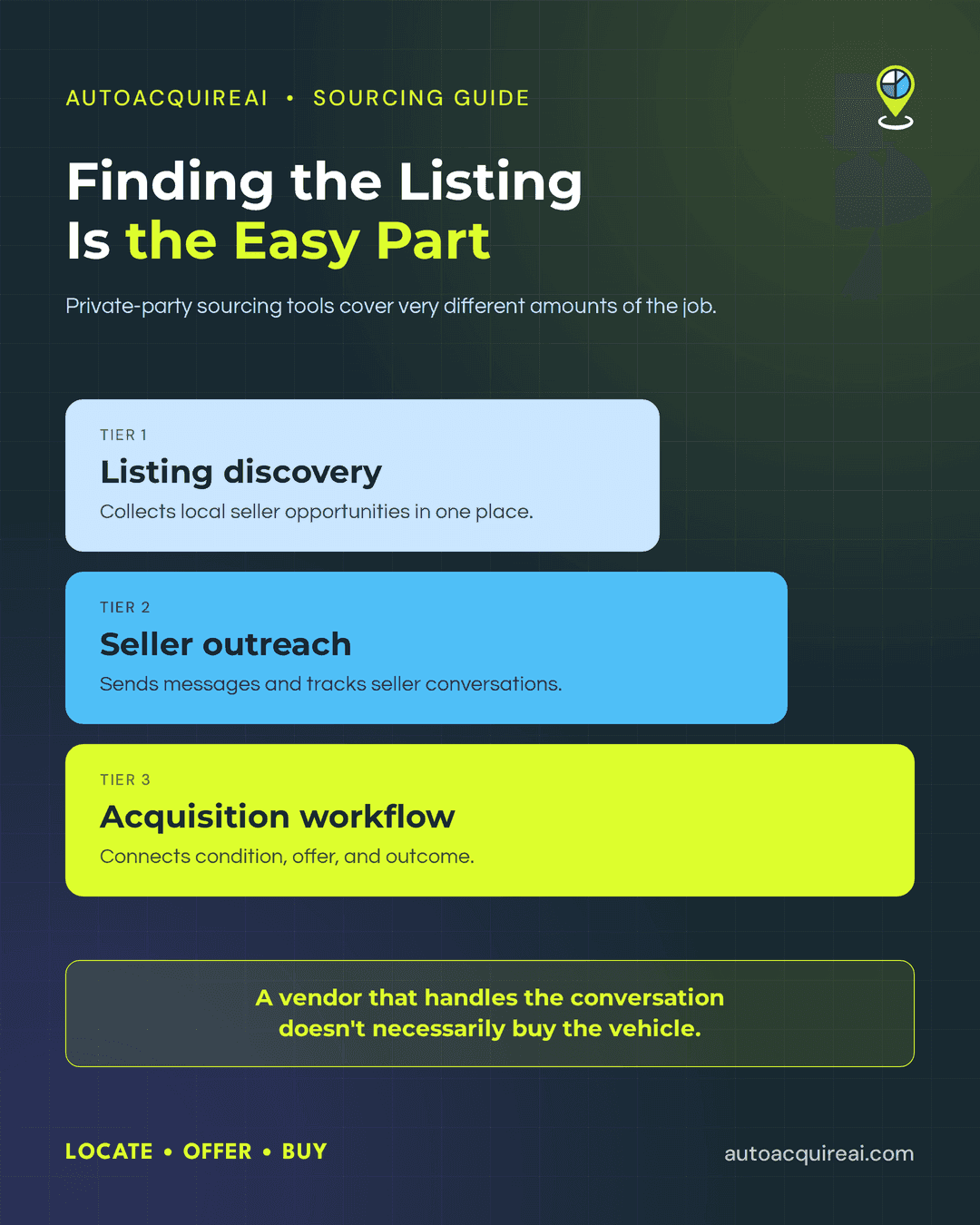
Best for: Independent dealers that want acquisition outreach without asking an advisor to make every seller call. AutoAcquire connects AVA, its voice and text outreach agent, with iOffer cash offers and Remote Inspection condition reports. It serves as an acquisition layer alongside the DMS, while dealership staff retain purchase authority.
What it is. AVA runs configured seller outreach; iOffer generates cash offers; and Remote Inspection captures condition remotely. An advisor can introduce a service customer, while a manager reviews the vehicle before approving a purchase. AutoAcquire reports CDK, Reynolds, and Dealertrack integrations. The store needs to test which records each connection exchanges and how an interested seller reaches its buyer.
Pros. AVA can run approved outreach while Remote Inspection gathers condition details before a manager spends time on an in-person appraisal. iOffer gives that manager a proposed cash offer to review. This division of labor suits a store whose advisor cannot make follow-up calls during a full service schedule.
Cons. AutoAcquire does not remove the owner's approval decision or the employee who negotiates and signs the purchase. The store must configure outreach rules and buyer routing. Test an actual offer's delivery and the DMS data flow before assuming either happens automatically.
Pricing AutoAcquire has not published verified pricing. Dealers should confirm subscription costs, integration fees, and any usage charges in a demo.
Kelley Blue Book Instant Cash Offer
Best for. Kelley Blue Book Instant Cash Offer suits an independent dealer that wants a recognizable offer program and uses a compatible Cox Automotive service stack. An owner or manager still needs to decide which service vehicles to pursue and who completes the purchase.
What it is. KBB's service-drive program lets staff review upcoming appointments, identify vehicles that fit the store's inventory strategy, invite customers to complete an Instant Cash Offer, and create an offer during a service visit. KBB lists configurations involving Xtime, VinSolutions, and vAuto ProfitTime GPS; its page also mentions a KBB API. Check which combination the store needs before assuming its DMS or CRM will connect.
Pros. Kelley Blue Book’s consumer-facing brand gives an advisor a recognizable offer program to introduce to a service customer. ICO gives the manager an offer to evaluate instead of asking the advisor to propose a purchase price without one.
Cons. Dealers should not assume ICO automatically identifies service arrivals, contacts sellers, routes responses, or writes purchase details into their DMS. The advisor or manager must own any step the configured workflow does not cover. In a demo, ask who approves the offer, how the customer receives it, and who takes over when the customer wants to sell.
Pricing. Pricing is not established in this guide. Request a quote that separates the program cost from any setup or integration charges.
AccuTrade
Best for. AccuTrade fits a store whose advisor can begin a service-lane appraisal and whose used-car manager has time to approve the buying decision. Cars Commerce documents real-time market data, diagnostic scans, and a step-by-step appraisal that produces an exact offer. The store still needs to name the employee who presents the number and completes the purchase.
What it is. AccuTrade is an appraisal and acquisition tool for dealers. Its integration documentation says it can pull service appointments and repair orders from a DMS, send appraisal details to a CRM as leads, and push completed appraisals to vAuto. Those connections need setup, and the dealer must check which ones its existing systems support.
Pros. AccuTrade gives an advisor a guided way to start an appraisal without inventing a price. Its service-drive explainer also documents appointment-reminder texts with a trade-in message. When a customer expresses interest in an estimated offer, AccuTrade says the workflow creates a lead in AccuTrade and the CRM. The manager can then decide whether to pursue and approve the purchase.
Cons. The documented appointment text introduces a trade-in opportunity; it does not establish that an approved dollar offer reaches the customer by text. A lean store still needs someone to inspect condition, approve or revise the proposed offer, speak with an interested seller, and complete the purchase. Ask AccuTrade to show the exact DMS connection, message content, offer-delivery step, and manager handoff in the store's setup.
Pricing. Pricing is not established in this guide. Request a quote that separates software charges from any integration or setup costs.
VINCUE: service-lane targeting for stores using Buy Center Pro
Best for. VINCUE Service-to-Sales fits a dealer already using VINCUE Buy Center Pro that wants appointment-level equity and buy-plan targeting. VINCUE says the service-lane feature is available to Buy Center Pro users, so a lean independent store should weigh that product requirement before adding it.
What it is. VINCUE says its Service-to-Sales channel displays upcoming appointments, estimated equity, payoff, and market data. It can surface buy-plan matches, create replacement offers, alert staff, and use its AI assistant to present upgrade options and pass an active conversation to a VINCUE user. A replacement offer for a newer vehicle is not necessarily a cash purchase offer for the customer's current car.
Pros. Appointment visibility and buy-plan alerts can put a candidate in front of a manager before the service visit. VINCUE documents AI-led follow-up and human takeover for its replacement-offer journey.
Cons. Its public description does not establish that a replacement offer becomes an approved cash offer to buy the current vehicle. The owner must confirm DMS and CRM data flow, who approves a purchase price, and who accepts the seller handoff.
Pricing. Public pricing for this setup is not established here. Ask whether Buy Center Pro and Service-to-Sales require separate charges.
Comparison table
A lean store needs to know who takes over after the software identifies a vehicle or produces a valuation. The table separates documented capabilities from work the dealership must assign or verify.
| Tool | Best-for fit | Staffing required | DMS/CRM integrations | Offer creation vs. delivery | Seller outreach | Human handoff | Key tradeoff |
|---|---|---|---|---|---|---|---|
| AutoAcquire | Outreach plus offers and remote condition capture | Manager approves; employee completes purchase | CDK, Reynolds, Dealertrack reported; test data flow | iOffer generates offers; verify delivery in store setup | AVA runs configured outreach | Configure staff takeover | Approval and purchase stay with dealer |
| Kelley Blue Book Instant Cash Offer | Recognizable consumer offer within a compatible service stack | Advisor introduces; manager reviews and buys | ICO with Xtime or specified Xtime/VinSolutions and vAuto combinations; check eligibility | Creates ICO during visit or invites customer to complete one; confirm delivery | Bulk email invites are an add-on | Assign buyer for seller conversation | Stack requirements and staff time |
| AccuTrade | Guided service-lane appraisal | Advisor starts; manager approves and buys | DMS appointment/RO intake and CRM leads; confirm providers | Exact offer generated; confirm delivery | Appointment texts invite trade-in interest, not necessarily a dollar offer | CRM lead to designated buyer | Staff must act on appraisal and interest |
| VINCUE Service-to-Sales | Equity and buy-plan targeting for Buy Center Pro users | Manager handles purchase decision | Appointment and payoff data shown; DMS/CRM flow requires verification | Replacement offers documented; cash-buy offer not established | AI assistant engages around upgrades | VINCUE user can take over conversation | Buy Center Pro required; cash-buy path needs demo |
Integration claims do not establish automatic write-back. Ask each vendor to demonstrate the data flow and identify who delivers the offer.
Questions to ask in a demo
At the demo, ask the vendor to run one service appointment through the workflow with the dealership’s actual staffing plan. The owner, advisor, and used-car manager should each know when the tool needs their attention.
- Identify. How does a service vehicle become a purchase prospect, and who reviews the list? Show what the advisor must do during a busy check-in. Which customer and vehicle fields come from the DMS or CRM, and who sets up that connection?
- Appraise. Who collects condition details, and can the seller submit them remotely? Show what a used-car manager must review before trusting the valuation.
- Offer. Does the tool create a proposed number, deliver an approved offer to the seller, or both? Who sets offer limits, who can approve exceptions, and what happens when the approver is unavailable?
- Follow up. Who contacts a seller who does not respond, and who approves the contact method and message? Show how an employee sees the conversation and takes over when the seller replies.
- Hand off. Which employee receives an interested seller, and what information follows the lead? Who confirms vehicle condition, signs the purchase agreement, and completes payment and title paperwork? Show where staff record the final outcome.
For offer-delivery mechanics, see the SMS-to-offer comparison draft. The service-drive ROI scorecard draft covers measurement; neither is a published reference yet.
FAQs
- Can a store use these tools without a buy center? Yes, if the store assigns an employee to review offers and another, or the same employee, to complete purchases. AutoAcquire can run AVA outreach and collect condition information through Remote Inspection, but the dealership still needs to assign offer approval and purchase paperwork to an employee.
- Can an advisor make an offer without an appraiser? An advisor can introduce the opportunity, but the store must decide who checks vehicle condition and approves the price. In a demo, ask whether the advisor receives a proposed value or an approved offer ready to present. Those are different staffing demands.
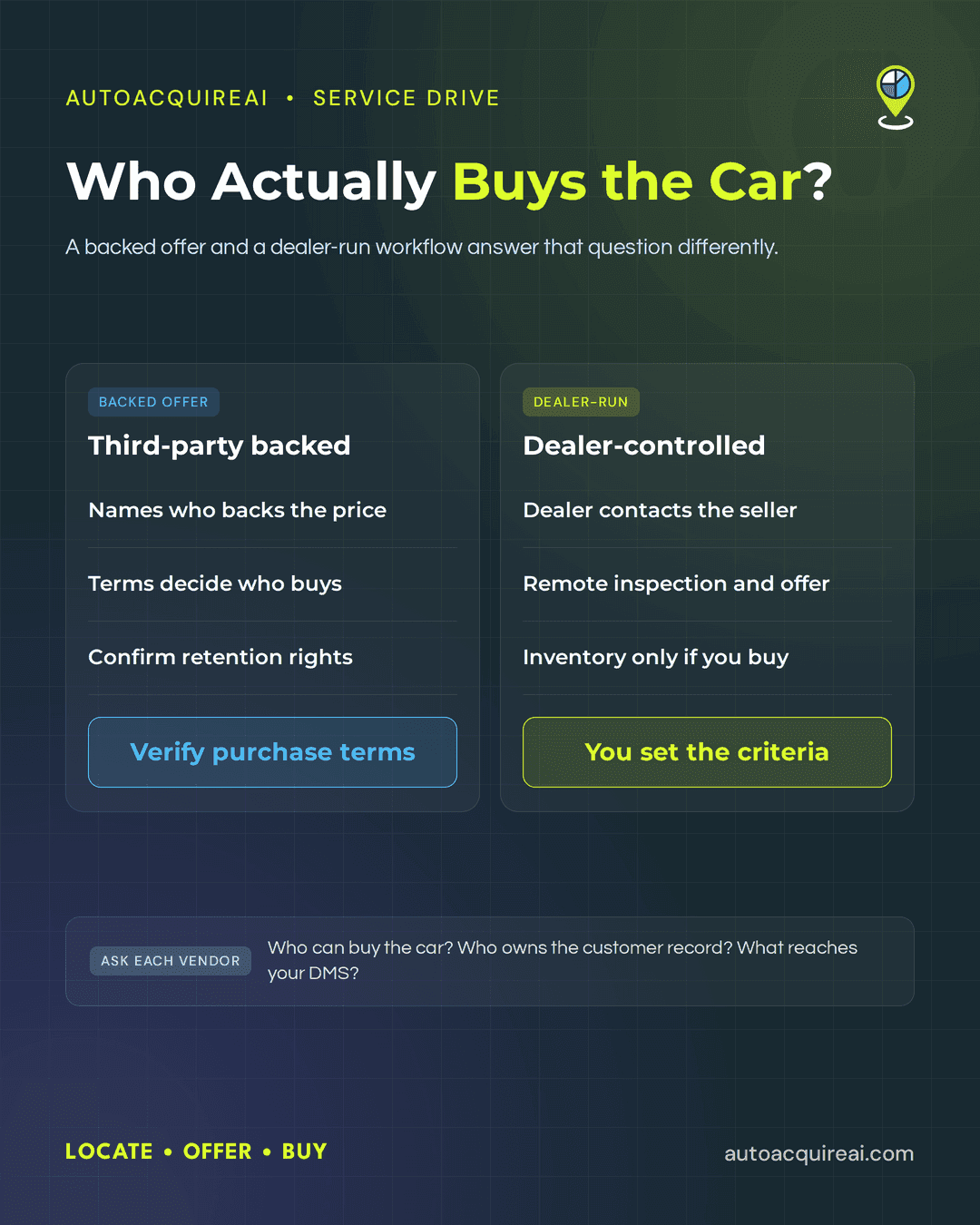
- How does creating an offer differ from delivering one? An appraisal or offer tool can produce a number without contacting the seller. AutoAcquire pairs iOffer offer creation with AVA outreach. Kelley Blue Book Instant Cash Offer provides an offer workflow, but dealers need to establish how offers reach sellers in each configured setup. Dealers should have each vendor demonstrate who sends the offer, who answers the seller, and where the conversation passes to staff. Ask AccuTrade to demonstrate those steps too rather than assuming its appraisal workflow handles outreach.
- Will a DMS integration eliminate duplicate entry? Not necessarily. AutoAcquire identifies CDK, Reynolds, and Dealertrack integrations, but dealers need to see which records move in each direction and what setup their store requires. An integration claim alone does not establish purchase-record write-back.
- How does this guide differ from the general platform ranking? This guide weighs the time an owner, advisor, or used-car manager must spend on each purchase. The general service-drive software comparison covers the broader feature set.
Conclusion
A lean independent store should choose software after testing how much employee time each purchase step requires. Before committing, the dealer should assign seller outreach, offer approval, and purchase completion to named employees, even if one person covers more than one job. A demo should show which tasks the software performs and how an interested seller reaches the employee authorized to buy the vehicle.